


Do you feel like you have seen every show on Max? Maybe you want to save some extra cash this month. Whatever your reason, knowing how to cancel HBO Max Subscription should be simple. Many people sign up for a free trial to watch one specific movie and then forget to leave. This can lead to unwanted charges on your bank statement. In this guide, we will walk you through the steps to end your plan on any device. We want to make sure you do not pay for something you no longer use.
It is important to remember that Max is the new name for HBO Max. While the name changed, the way you manage your account is mostly the same. You might have signed up through a phone, a TV, or even your internet provider. Because of this, the steps can vary slightly depending on who bills you. We have tested these methods to ensure they work perfectly in 2026. Let’s dive into the easiest ways to handle your subscription and keep your budget on track.
Understanding Your Billing Provider Before You Start
Before you try to cancel HBO Max subscription, you must find out who is taking your money. Max does not always bill you directly. Sometimes, you pay through Apple, Google, or even your cable company like Hulu or Prime Video. If you try to cancel on the Max website but signed up on an iPhone, it might not work. This is a common mistake that frustrates many users.
Check your last bank statement to see the name next to the charge. If it says “Max,” you can likely use the official website. If it says “Apple Bill” or “Roku,” you need to go to those specific settings. Knowing this one detail saves you a lot of time. Once you find your provider, the rest of the process is very fast. We recommend doing this on a computer for the best view of your settings.
How to Cancel HBO Max Subscription on a Web Browser
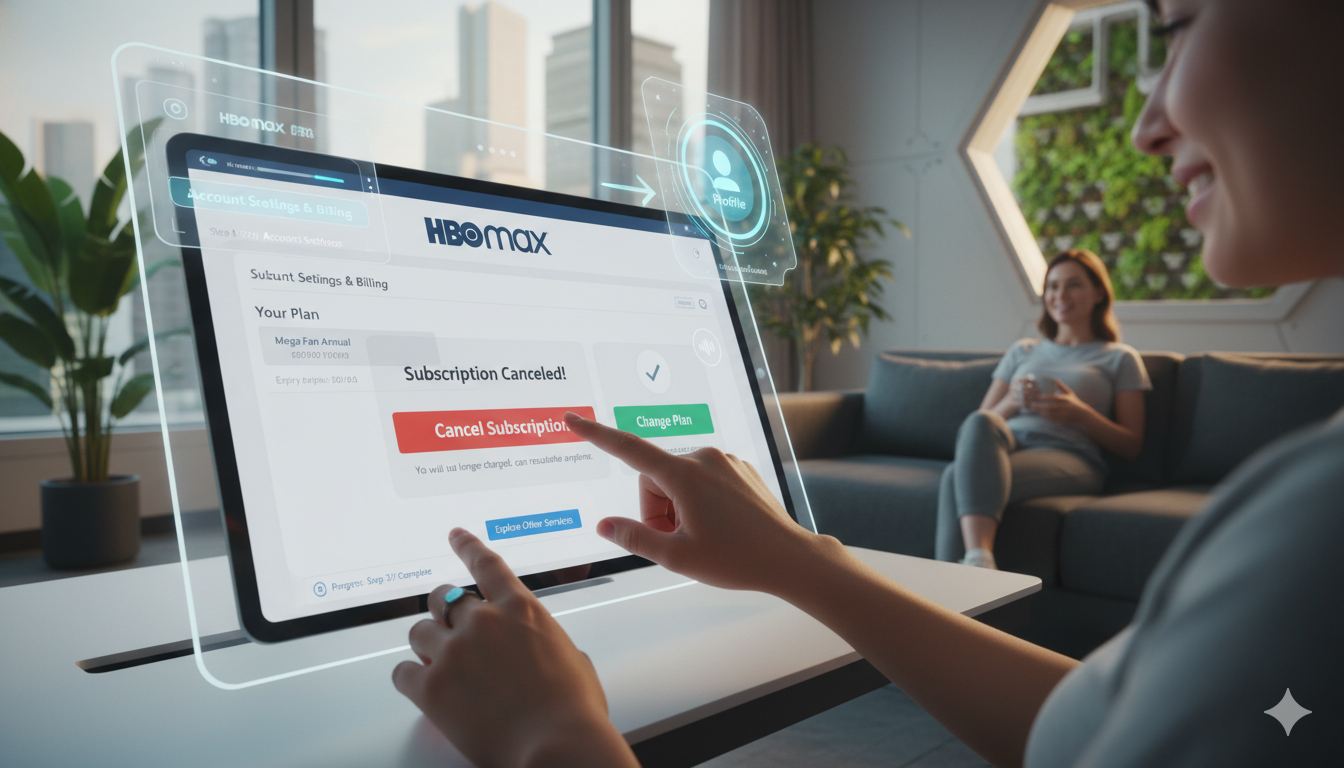
The most common way to cancel HBO Max subscription is through a computer. First, open your favorite browser and go to the Max website. Log in with your email and password. Once you are in, look for your profile icon in the top right corner. Click on it and select “Settings” from the menu that appears. This is where all your account secrets are kept.
Next, find the section labeled “Subscription.” Here, you will see your current plan and the next date you will be charged. Look for a button that says “Manage Subscription” or “Cancel Subscription.” Click it and follow the prompts on the screen. Max might ask you why you are leaving or offer a discount to stay. If you are sure, just keep clicking the “Continue to Cancel” buttons until you see a confirmation message.
Steps to Cancel on Your iPhone or iPad
If you use an Apple device, you likely started your plan through the App Store. To cancel HBO Max subscription here, you do not even need the Max app. Open the “Settings” app on your iPhone. Tap your name at the very top of the list. Then, tap on “Subscriptions.” This screen shows every app you are currently paying for each month.
Find Max in the list and tap on it. You will see a big red button that says “Cancel Subscription.” Tap that button and confirm your choice. One great thing about Apple is that you can usually keep watching until the end of your billing cycle. Even if you cancel today, your access might last for another two weeks. This is a fair way to handle things for the customer.
Managing Your Plan via Android and Google Play
Android users often bill their entertainment through the Google Play Store. To cancel HBO Max subscription on your Android phone, open the Play Store app. Tap your profile picture in the top right corner. From there, select “Payments & subscriptions” and then “Subscriptions.” This list holds all your active digital services in one place.
Locate Max in your active list and select it. Tap “Cancel subscription” at the bottom of the screen. Google might ask you for a reason, but you can choose “Decline to answer” if you are in a rush. Once you confirm, your subscription will show as “Canceled.” You will also receive an email from Google confirming that you will not be charged again. It is a very clean and simple process for mobile users.
How to Cancel Max on Roku Devices
Roku is a very popular way to watch TV, and many people subscribe directly through their Roku account. To cancel HBO Max subscription on a Roku, you can use the remote. Highlight the Max app on your home screen. Press the “Star” button (*) on your remote. A menu will pop up on your TV screen.
Select “Manage subscription” from that menu. Then, choose “Cancel subscription.” You will need to confirm this choice twice. Roku makes it easy to do from your couch without needing a phone. If you prefer using a computer, you can also log into your account at the Roku website. Both ways work perfectly and will stop the monthly payments immediately.
Canceling Through Amazon Prime Video Channels
Many people add Max as a “Channel” inside their Amazon account. If this is you, you must cancel HBO Max subscription through Amazon’s website. Log into your Amazon account and go to “Accounts & Lists.” Look for “Memberships & Subscriptions” under the “Account” section. This page can be a bit hidden, so look closely for the “Prime Video Channels” link.
Find Max in your list of channels. Click on “Cancel Channel” next to the logo. Amazon might ask if you want a refund or if you just want to turn off auto-renew. Usually, turning off auto-renew is the safest bet. You will still have access to your favorite shows until the month ends. This is a common way for Prime members to manage their extra streaming services.
Using the Max App to End Your Service
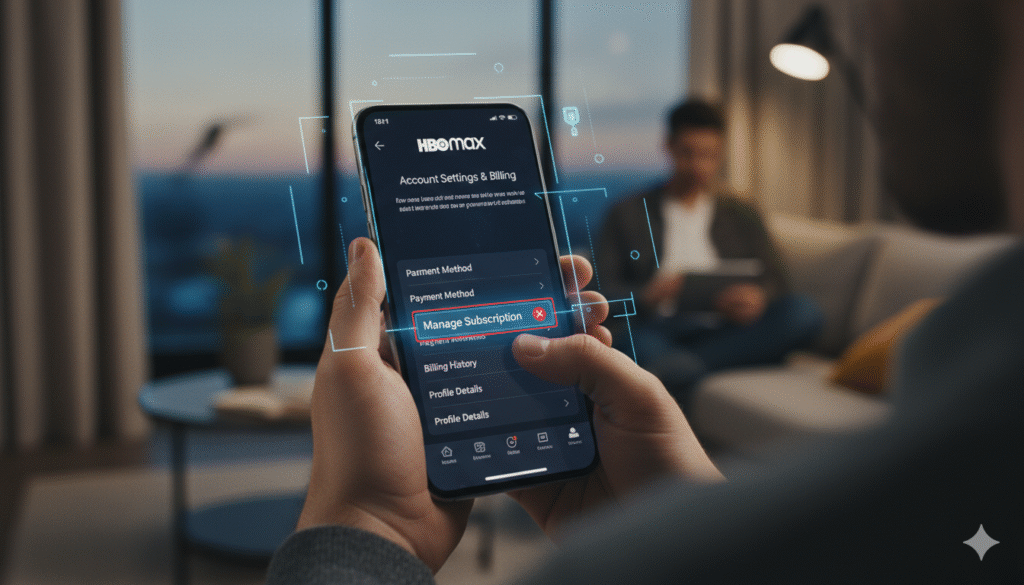
You can also try to cancel HBO Max subscription directly inside the app on your phone. Open the app and tap your profile icon. Click the “Settings” gear icon in the corner. Tap on “Subscription.” If you are billed directly by Max, you will see a cancel button right there.
However, if a third party bills you, the app will show a link. It might say “Managed through Apple” or “Managed through Hulu.” When you click that link, it will take you to the right place to stop your plan. This is a helpful shortcut if you are not sure who is charging you. The app acts as a guide to help you find the exit door quickly.
What Happens to Your Data After Canceling?
A big concern when you cancel HBO Max subscription is what happens to your watch history. Most of the time, Max keeps your “My List” and “Continue Watching” data for a few months. This means if you decide to come back later, your progress is still there. You won’t have to remember which episode of a show you were on.
Your account profile remains active even if you do not have a paid plan. You can still log in to see your settings, but you won’t be able to play videos. This is great if you just want to take a break for the summer and return in the winter. Max wants to make it easy for you to resubscribe, so they keep your preferences saved and ready.
Common Issues When Trying to Cancel
Sometimes, users run into trouble when they try to cancel HBO Max subscription. The most common issue is not seeing a “Cancel” button at all. This usually happens because you are logged into the wrong account. Make sure the email you are looking at is the same one that gets the receipts.
Another issue is a “Pending” charge. If your bill is currently being processed, the system might not let you cancel until the payment clears. If you have any major problems, you can contact Max customer support. They have a live chat feature that can help you close your account manually. It is always better to ask for help than to get charged for another month by mistake.
Summary Table: Cancellation Methods at a Glance
| Device/Provider | Where to Go | Main Action |
| Web Browser | Max.com/settings | Click “Manage Subscription” |
| iPhone/iPad | iOS Settings > Apple ID | Tap “Subscriptions” |
| Android | Google Play Store | Go to “Payments & Subscriptions” |
| Roku | Home Screen > Max App | Press (*) and select “Cancel” |
| Amazon | Amazon Account Settings | Manage “Prime Video Channels” |
| Hulu | Hulu Account Page | Manage “Add-ons” |
Conclusion: Take Control of Your Subscriptions
Learning how to cancel HBO Max subscription is a smart move for your digital health. We all sign up for too many services sometimes. Taking five minutes to audit your accounts can save you hundreds of dollars a year. Whether you used your phone, your TV, or your computer, the steps are straightforward. Remember to check for a confirmation email once you finish. This is your proof that the charge will not happen again. If you miss the shows later, you can always sign back up in seconds. For now, enjoy the extra money in your pocket!
Frequently Asked Questions (FAQs)
1. Can I get a refund after I cancel HBO Max subscription? Usually, Max does not offer refunds for partial months. When you cancel, you simply stop future charges. You can keep watching until your current month ends. If there was a technical error, you can try asking customer support, but it is not guaranteed.
2. Will I lose my profile if I cancel? No, your profile and watch history stay saved. If you decide to come back in the future, just log in with the same email. Your “My List” and preferences will be waiting for you.
3. Why does it say my subscription is managed by another provider? This means you signed up through a service like Hulu, AT&T, or your mobile carrier. You must go to their website or app to cancel HBO Max subscription. Max cannot turn it off for you if someone else is doing the billing.
4. Can I cancel HBO Max subscription during a free trial? Yes! In fact, it is smart to cancel immediately after signing up for a trial. You will still get the full trial period for free, but you won’t be charged when the week is over.
5. How do I know if the cancellation worked? You should see a message on the screen saying “Your subscription has been canceled.” You should also get an automated email. If you don’t see these, double-check your “Subscription” tab to make sure it says “Canceled” or “Expires on [Date].”
